Index
Causes:
There are two different ways an order can go into an 'Out of Stock' status.
- The first way is when an item has 0 quantity in Quipt and an order is still made. This status is 'Inventory Out of Stock'.
- The second way is when an item has quantity in Quipt, gets ordered, and then is canceled by the warehouse before shipment. This status is called 'Canceled By Warehouse', but is still caused because the item is out of stock.
- The item was oversold.
- The item was being sold on multiple channels and inventory was allocated at the same time.
- Inventory sync issues from ERP plug-in.
Fixes:
The three options for resolution are either to source the order, upgrade the order, or cancel the order.
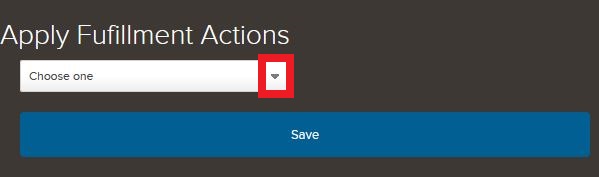
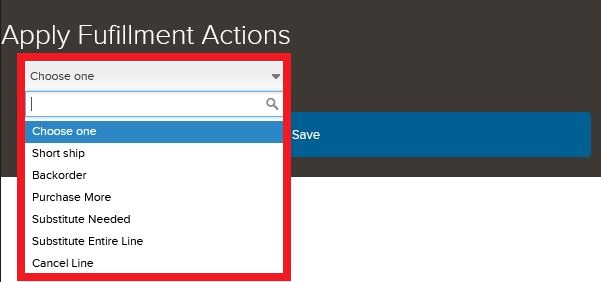
When you have opened the feed modal and clicked the 'Fix Out of Stock' button in the upper right hand corner of the feed, you will see a list of options asking you what path you would like to choose.
The possible option choices are:

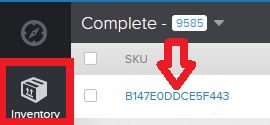
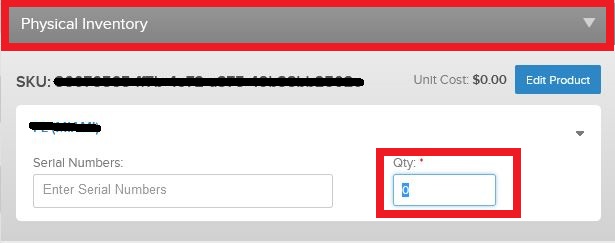
- Backorder: Add available inventory to your SKU's warehouse under physical inventory
- Go back to the order and select backorder and select todays date.
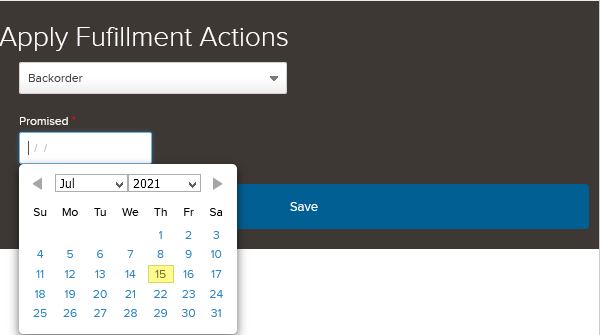
- Go back to the order and select backorder and select todays date.
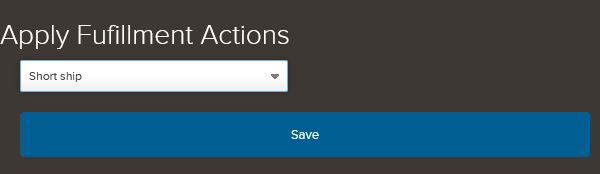
- Short ship: This is for a multi-unit order and means we ship what we have and cancel the rest. Ensure inventory is correctly represented in the order. If not, backorder the correct amount.
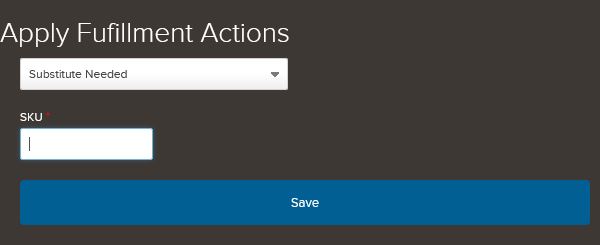
- Substitute needed: This means that we will ship what we have, and then substitute the rest of the units. Enter the SKU in which they will be changed to.
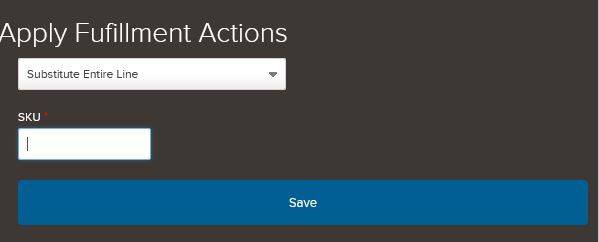
- Substitute entire line: This can be for a single or multi unit order. It just means that we are going to change the entire order. Enter the SKU in which the line will be changed to.
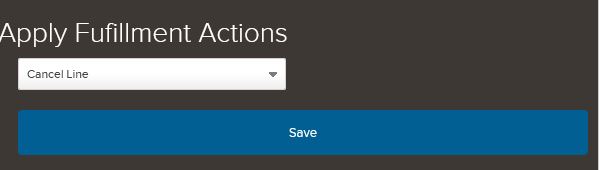
- Cancel line: This means we will be cancelling the entire order.
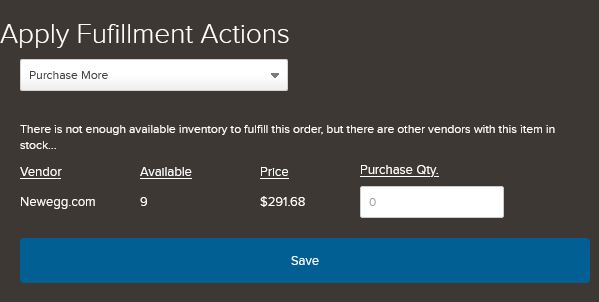
- Purchase more: Purchase more allows you to resource the inventory.
Comments
0 comments
Please sign in to leave a comment.