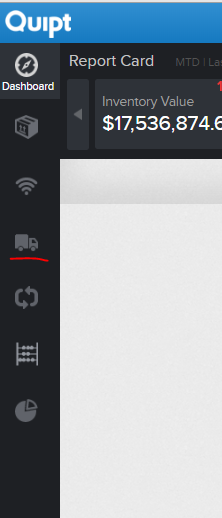
To create an order, you first need to go to the 'Orders' tab in Quipt.
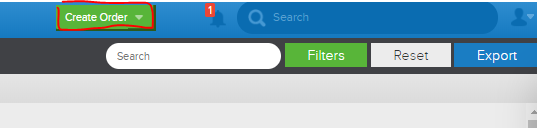
Once on the orders page, you will click 'Create Order', which is a green button located in the upper right hand corner of the screen.
Once you hit 'Create Order', you will see the following screen:
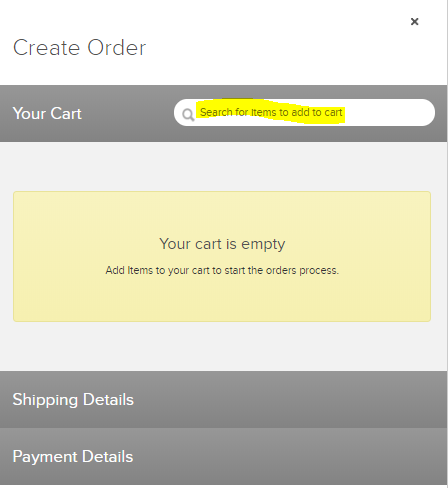
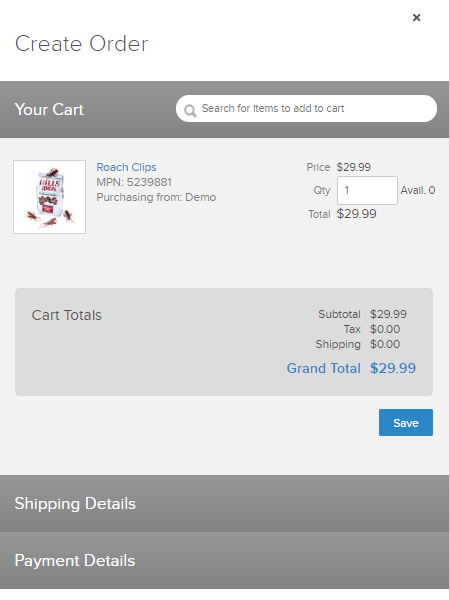
From here, you will want to use the search box to search for a SKU that you would like to use to place an order. You can search by name, MPN, SKU, etc.
In the example below, a bag of 'Roach Clips' is searched for. To select this item, simply click 'Add to Cart'.
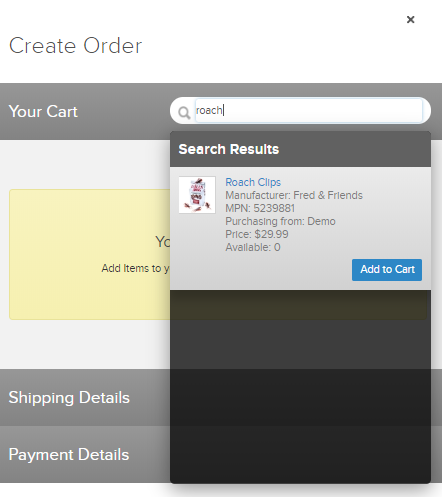
Once added to the cart, you can adjust how many of the item you would like to order. Once done, hit save to move on to the next step.
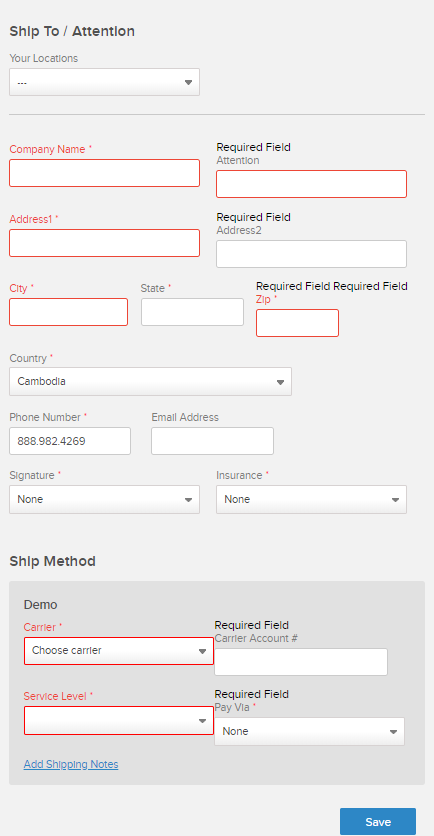
Next, you will enter in ship to details and the shipping method.
Once you hit 'Save', you will be taken to 'Payment Details', where you will enter the Bill To Address. Then you will hit 'Save', create an order id, and hit save once more to finish the order creation flow.
Comments
0 comments
Please sign in to leave a comment.