Set notifications Notifications - Configure your User Settings
Review your Post-Launch Checklist provided by your CSM:
Publication
Check Relationships & Partner Settings
Settings/Orders
Successful fulfillment (10 orders)
First Orders
Use your Post Launch Checklist and Order Validation tab in your Launch Checklist google sheet to document your first 10 orders. We've set you up with a template which makes tracking the steps very simple:
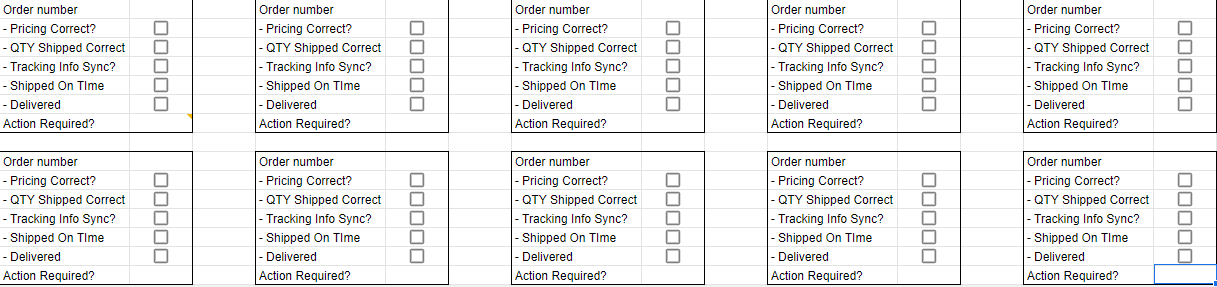
- Document the order number
- Verify that the price is correct and as expected
- Ensure the total QTY is correct and available
- Check item on the order to ensure its physical SKU matches the MPN and it's what was ordered.
- Verify tracking number, shipping carrier and ship date.
- If the order goes into action required (red), document the status in the bottom box.
Ensure order ships and is scanned by shipping carrier.
Note * Shipments which leave your facility that aren't marked shipped are deemed as being lost and will need to be refunded or double shipped.
Comments
0 comments
Please sign in to leave a comment.