Price should be accurately displayed in the recovery & SRP (Suggested Retail Price) columns. Recovery is the amount you will receive for each sale. SRP is the price the channel will likely have it for sale. You can typically calculate the SRP and recovery by taking in consideration the channel commissions. You can also work the expected freight costs in if you wish.
Settings
1. You can apply the setting where freight/shipping costs is in the SRP calculator by:
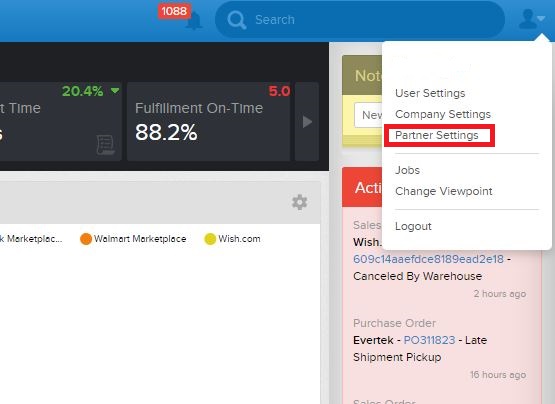
- Navigate to your partner settings. (This is a setting you can customize per individual channel)
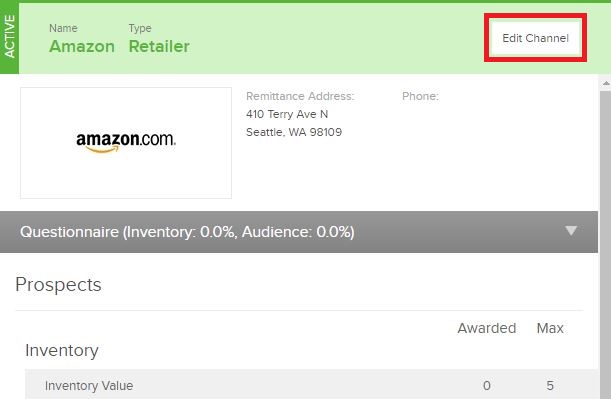
- Select the channel you'd like to configure. Click on 'Edit Channel'.
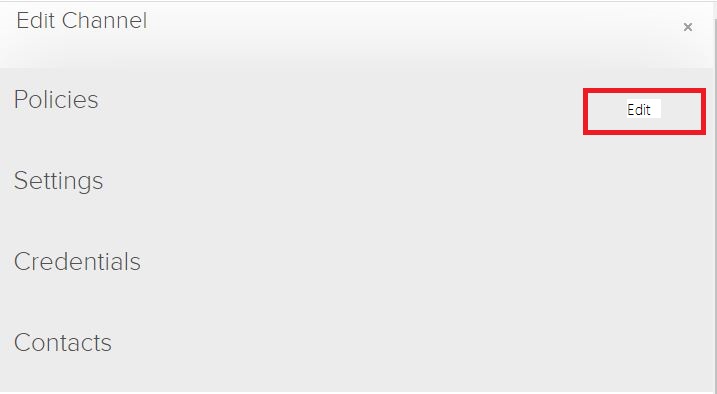
- Edit the policy
- Scroll down the 'Freight Included Yes/No' field where you can include various ship type.
Note: default is ground shipping only. Be careful with this setting change as your company policies will dictate what happens if you modify this setting. See #2 below for more details on how these two settings are related.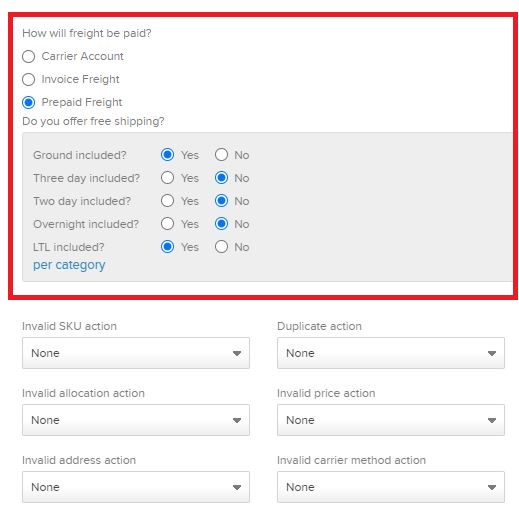
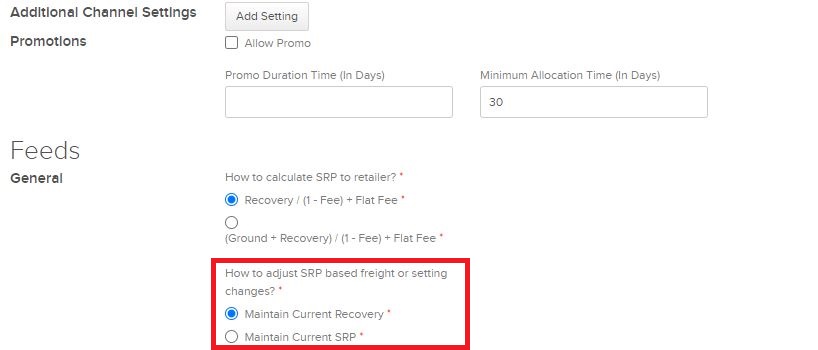
2. If shipping is applied to your SRP calculator and there is an adjustment to the cost of shipping, do you want those changes affect your SRP or your recovery?
- Go to your company settings and select Business Rules.
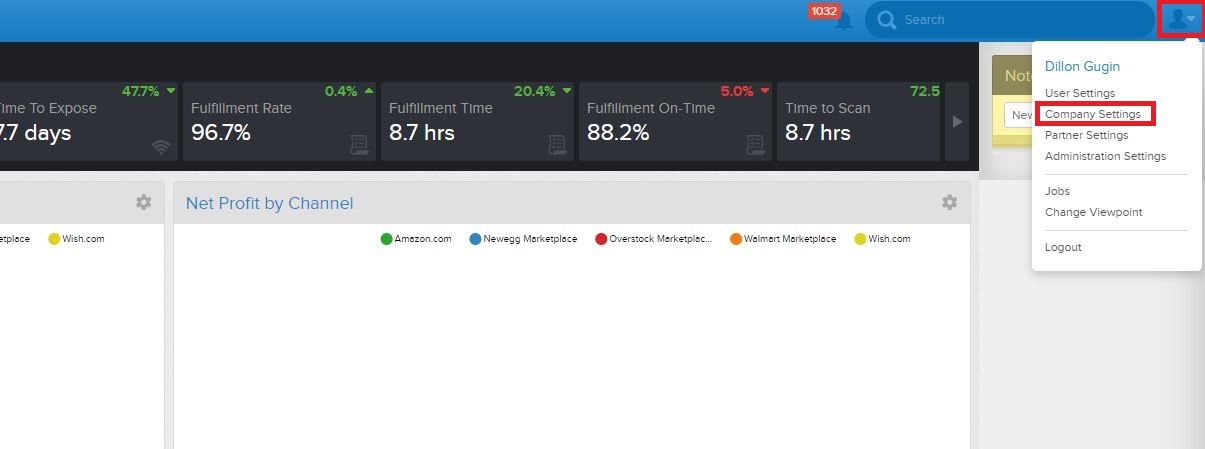
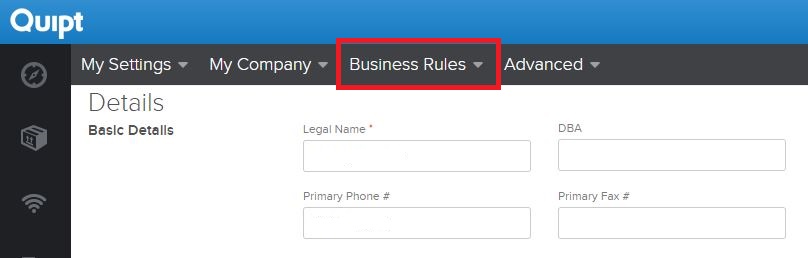
- Scroll down to 'Feeds' and select Recovery or SRP for when freight costs changes.
Best Practices
- Check that your pricing is accurate. Because recovery, SRP, and ARP (Actual Retail Price) is given on the dashboard, this can be easily 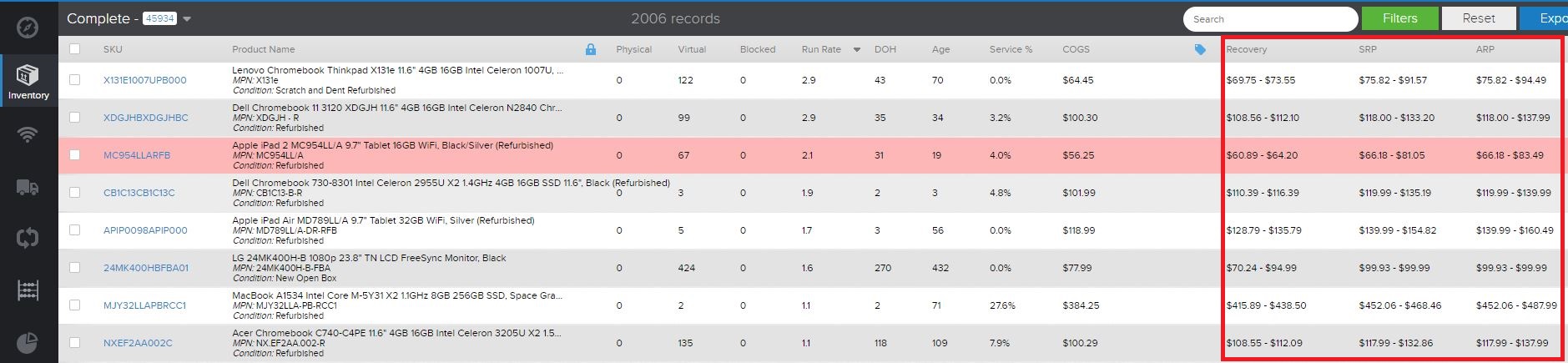
Comments
0 comments
Please sign in to leave a comment.