Linking to a new Walmart SKU offers the same revenue generating benefits that re-linking new ASINs on Amazon does.
If you have a new listing which has either a small amount of reviews or no reviews at all, then re-linking some SKUs would likely be a good idea. You have the capability to re-link your items to listings which are higher rated, or have better reviews.
Process
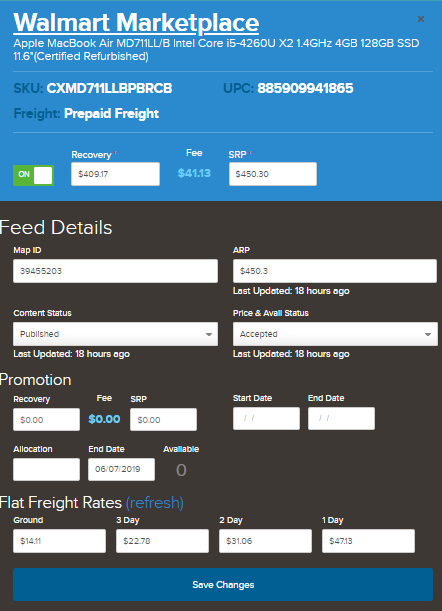
- Find SKU in Quipt that you want to re-link.
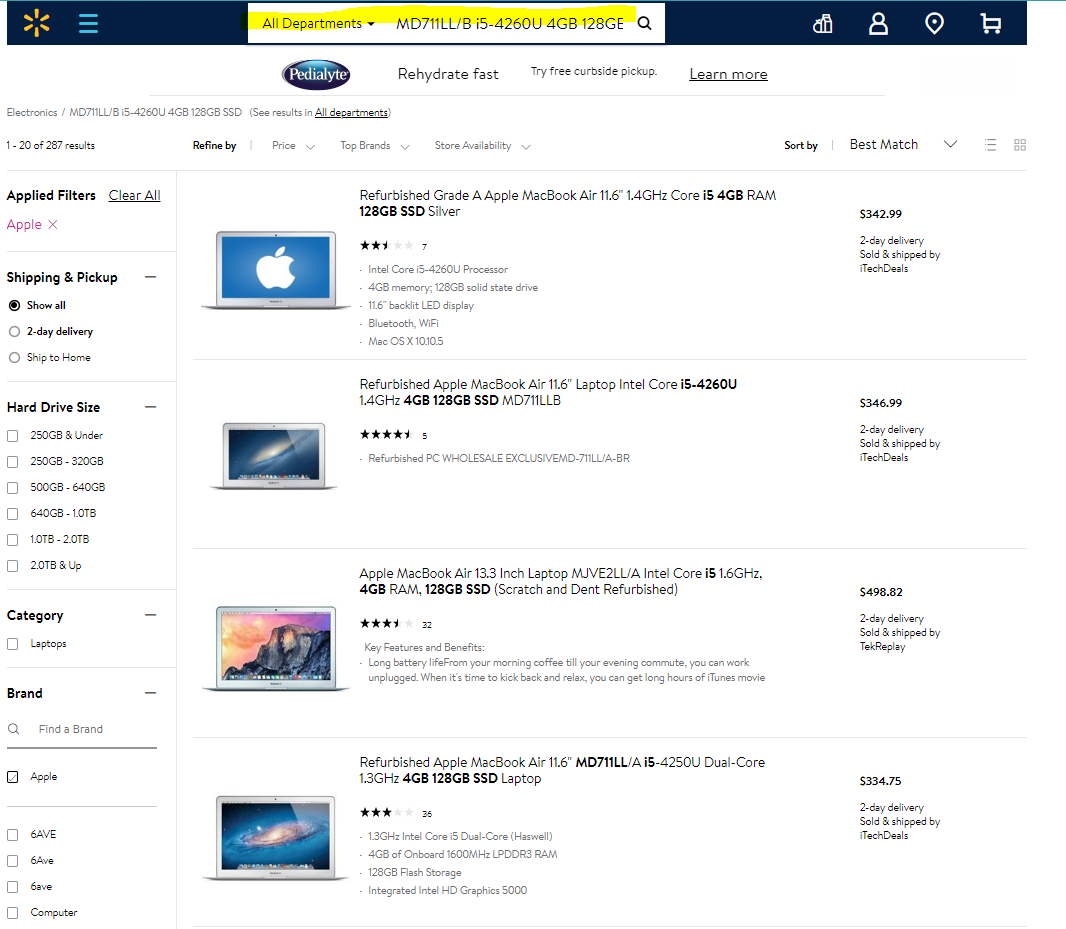
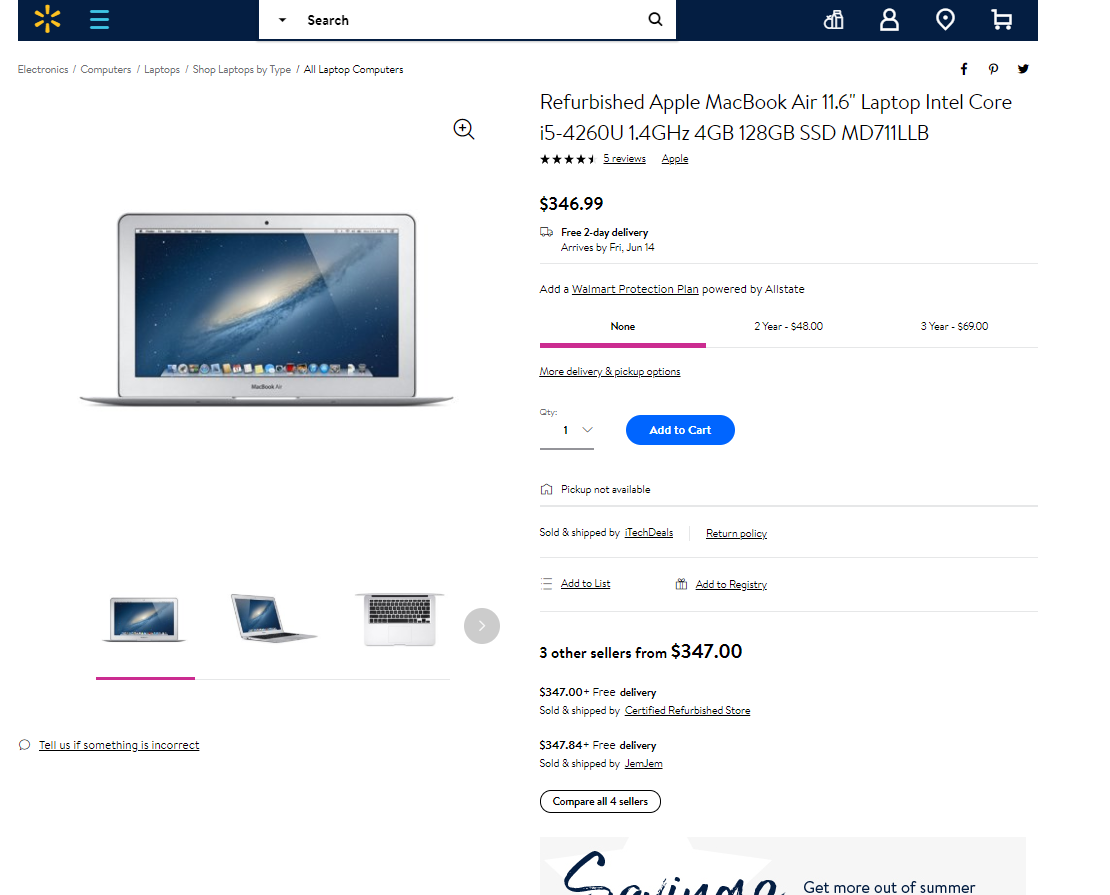
- Search for the MPN on Walmart.com for best search result, making sure that both the condition and the specs match up correctly.
Once you have found a listing that you think is a good match, you want to get the SKU number of that product. The SKU can be found in the URL of the listing page, at the very end of the URL. (See below.)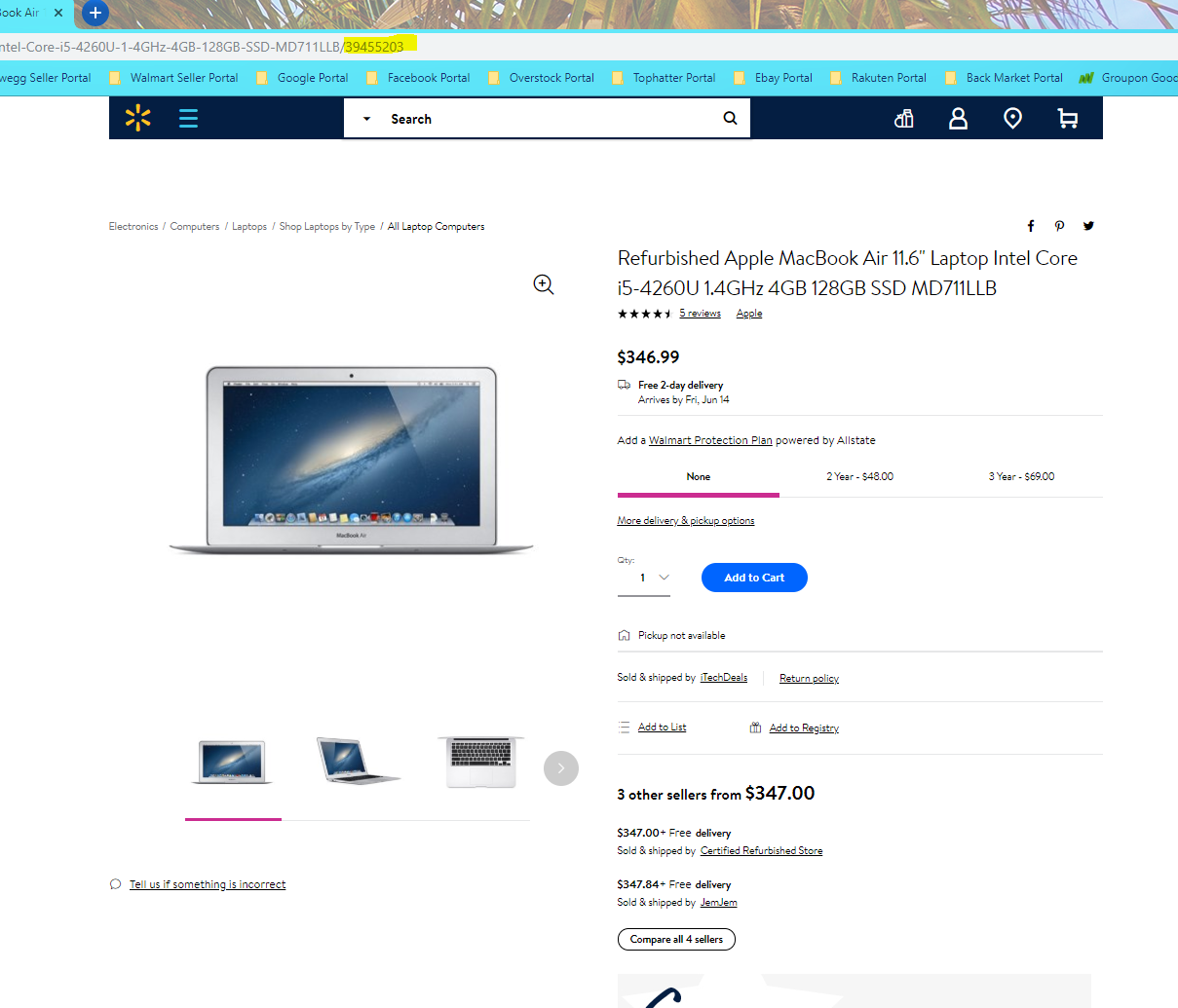
- Use Brickseek, along with the Walmart.com SKU to find the product's UPC. Paste the SKU you just got from the Walmart product page into the SKU box of Brickseek, and then click the 'Check Inventory' button on the right hand side of the page. When the results come back, you should see the item from the Walmart listing page. The number you want to copy is the UPC of the item, which can be found below the item title.
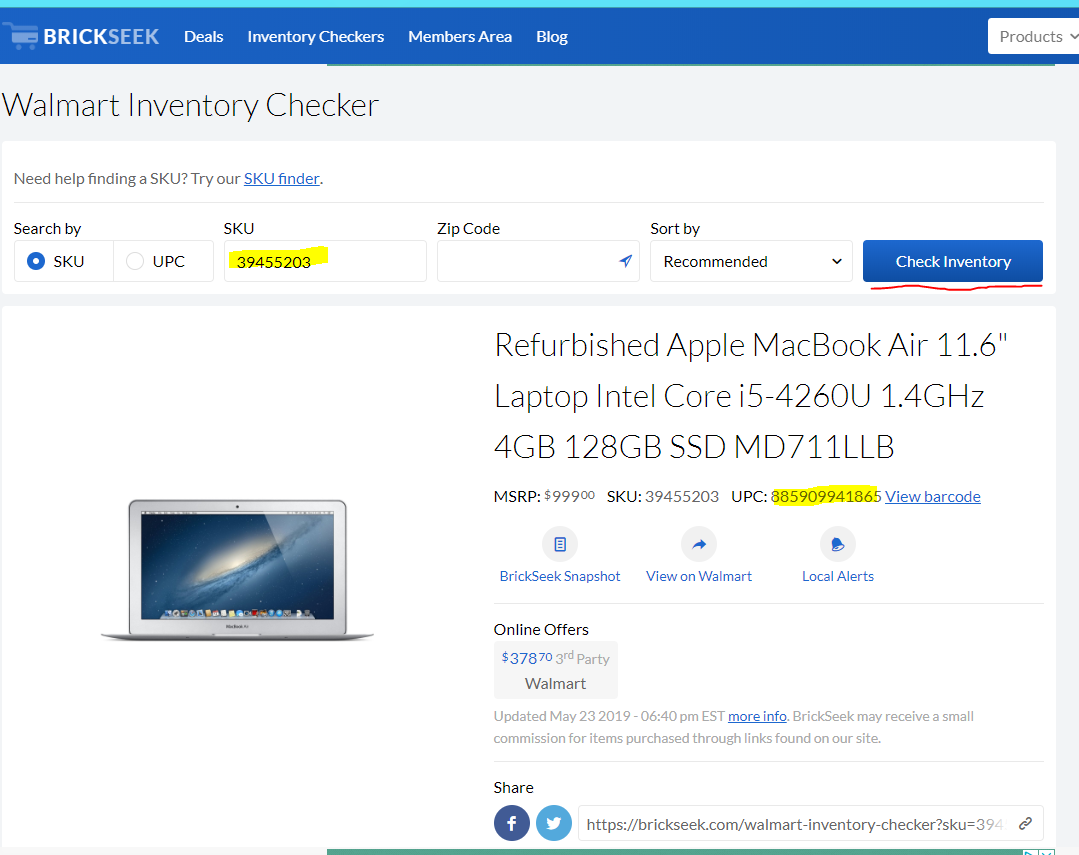
- Copy the UPC from Brickseek and paste it in the MapID of the Walmart modal in Quipt.
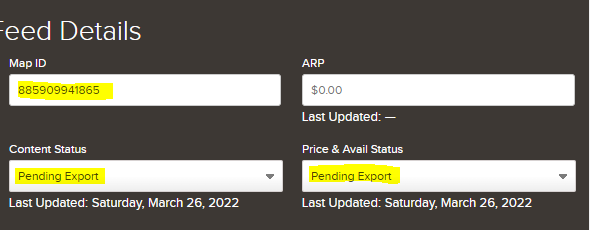
Make sure to change both Content and Price and Availability to Pending Export, like you see above. Then hit 'Save Changes' to save all changes. Once the new MapID is in Quipt, you should be able to click on the Walmart.com link and have it take you to the correct product page.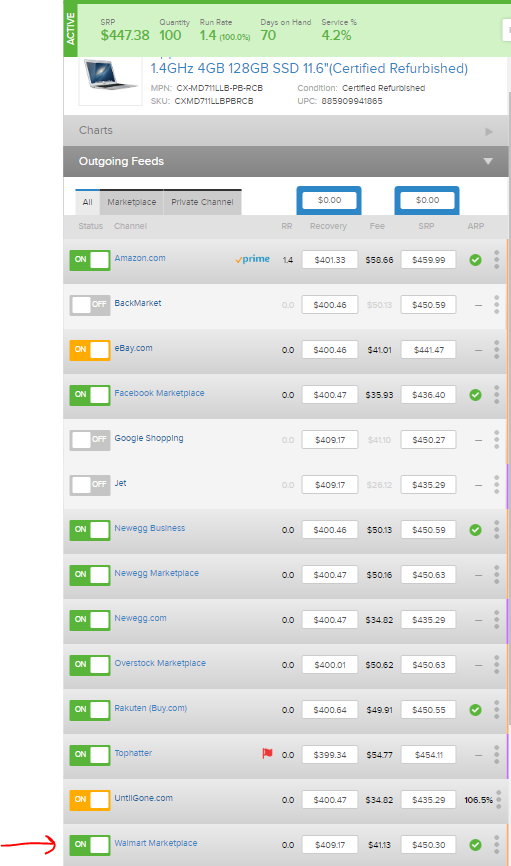
Comments
0 comments
Please sign in to leave a comment.