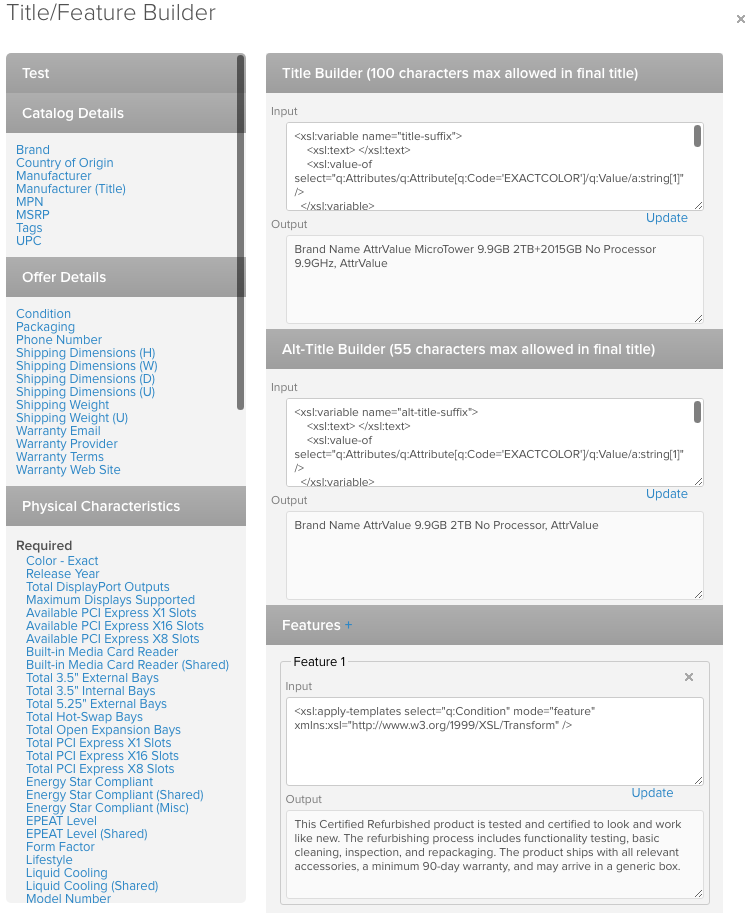
Opens the modal where we can modify the title and features we automatically generate for a given sub-category
Index:
Accessing Title/Feature Builder
- To access, click on 'Channel Mapper' for any sub-category in the Category Manager

- This will open the following drawer
Title
Has a 100 character limit. Here you can edit the main title that is auto-generated for the selected subcategory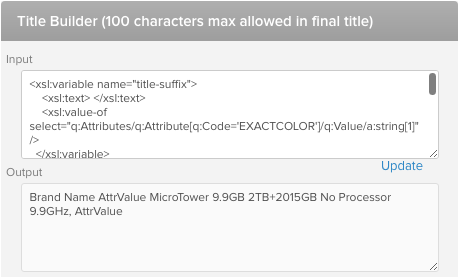
Alt-Title
Has a 55 character limit. Here you can edit the alternative title that is auto-generated for the selected subcategory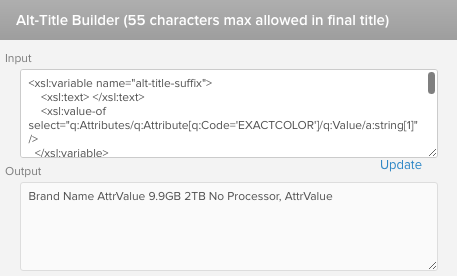
Features
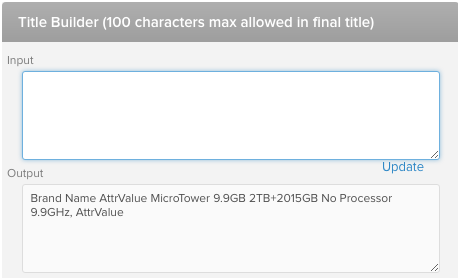
No character limit. Should have 4 features minimum. Enter your code in the 'Input' field, and use the 'Update' button to test how your code displays in the 'Output' field. 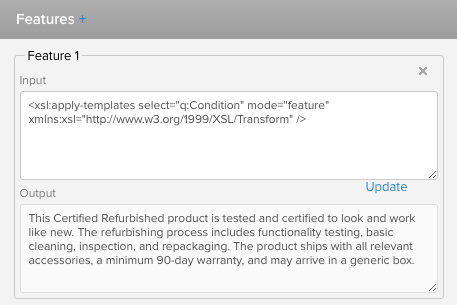
Adding/Editing
- Use left column to add attributes to any of the 3 available sections: Title, Alt-Title, Features
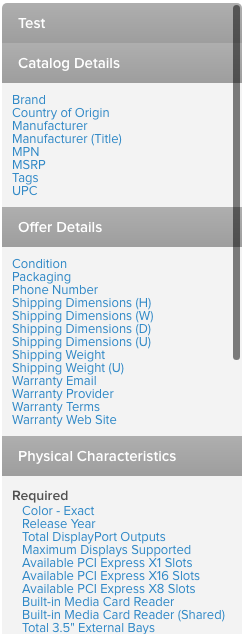
- To do so:
- Highlight the 'input' field for one of the sections (e.g. 'Title')
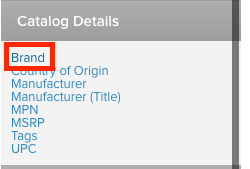
- Click the attribute you want to add the output code for (e.g. 'Brand')
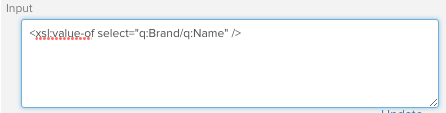
- Adds the output code for the attribute to the 'Input' field of the highlighted section
- Highlight the 'input' field for one of the sections (e.g. 'Title')
Formatting
- We use an output fragment collection string to tie together selected attributes, with some code to set a character limit that will stop adding attributes together in the output after it reaches a set limit (e.g. 100 characters in this example). You can copy this from the title/feature builder for any existing sub-category, and tailor it as needed
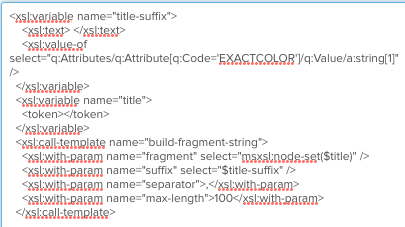
- Titles should typically be structured as:
- Brand Name + Product Line (if applicable) + Model Number + Applicable Attributes + Color (color should be separated by a comma)
Comments
0 comments
Please sign in to leave a comment.