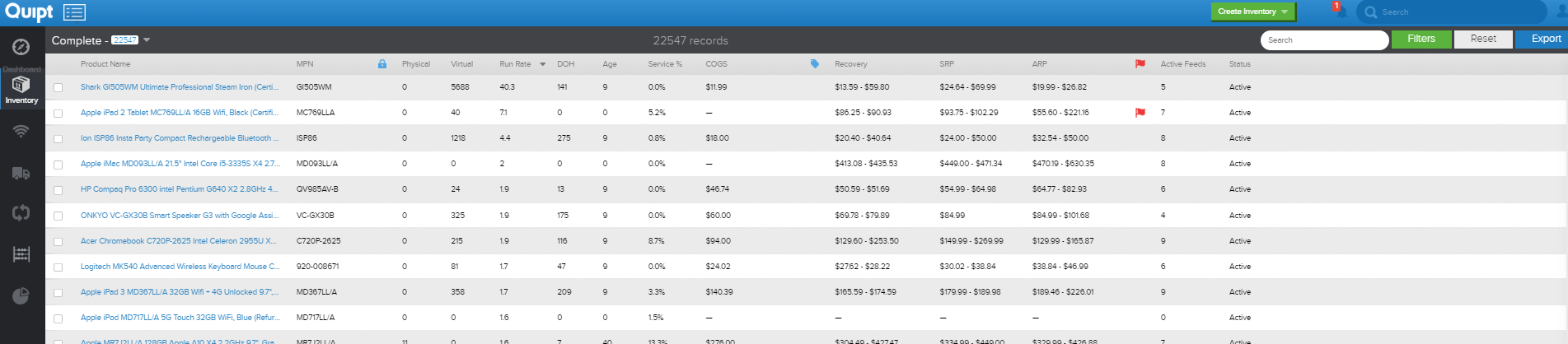
To make updates to an item’s offer details information, you need to go into the inventory tab, search for the SKU of the item you are wanting to make changes to, and then click ‘Edit Product’, which can be found under the physical inventory tab.
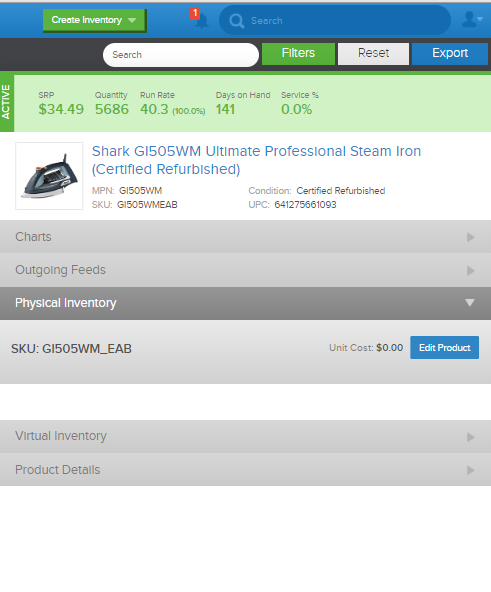
If the information you wish to update is related to the Offer Details, then click the 'Edit Offer Details' button.
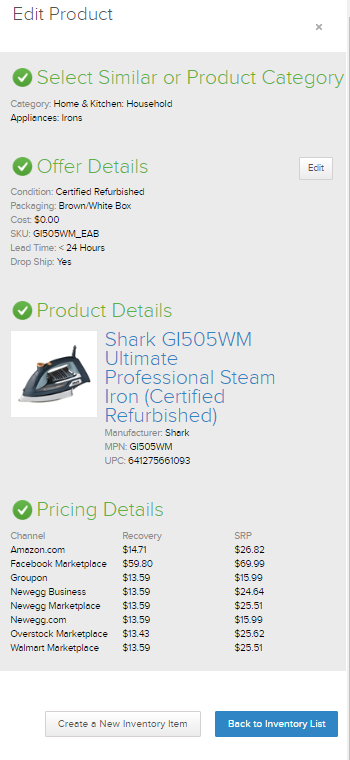
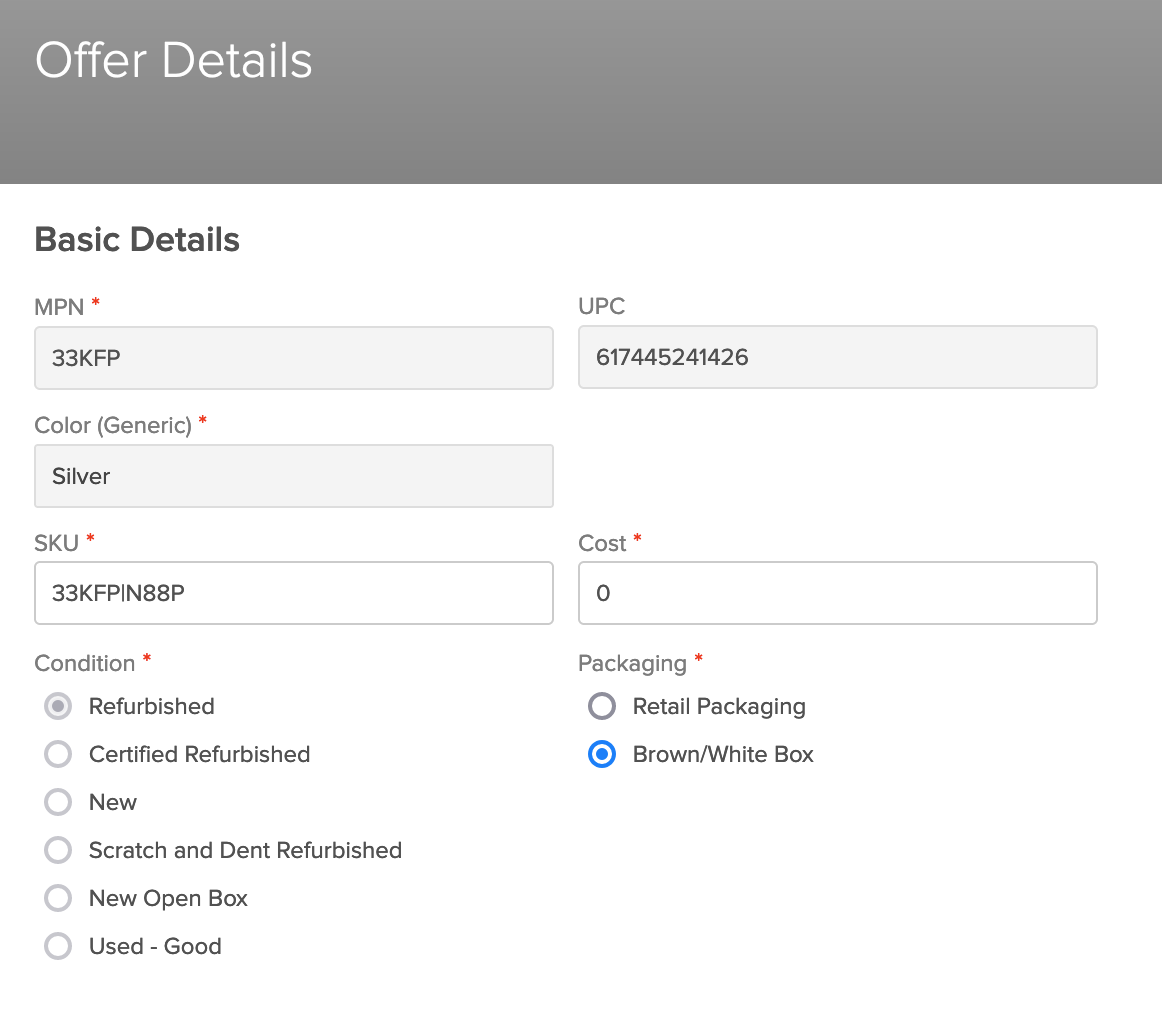
Make the changes you wish to make, and then click ‘Save Changes’. You cannot edit the Product Details for an already saved catalog item. If you need to make changes to the Product Details, please message your Quipt contact for assistance. Changes made to Product Details do not update to the channel for already published items, since this is a one way connection. Likewise, you can only edit Offer Details fields which are NOT grayed out.
Once done, you can click 'Back to Inventory List' to close the drawer
Comments
0 comments
Please sign in to leave a comment.