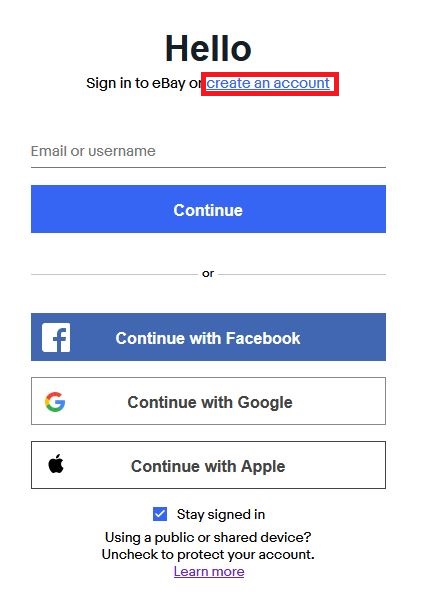
1. Go to https://signin.ebay.com/signin/
2. click on Create Account
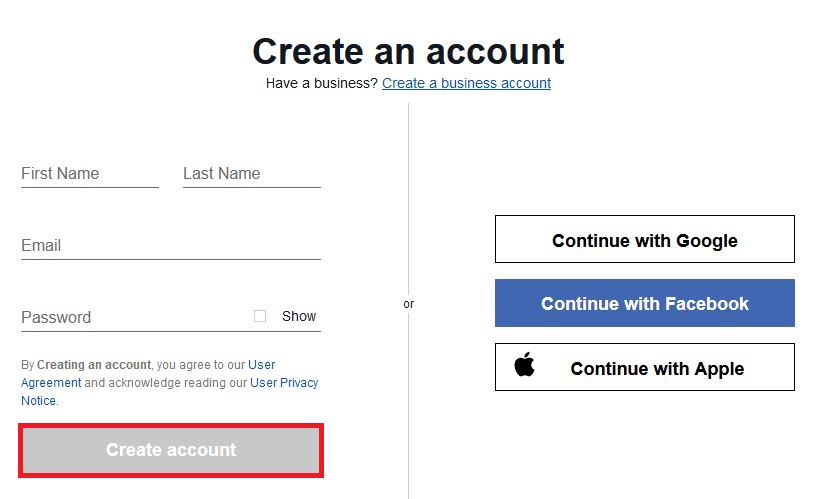
3. fill in requested info on next screen and click Create account
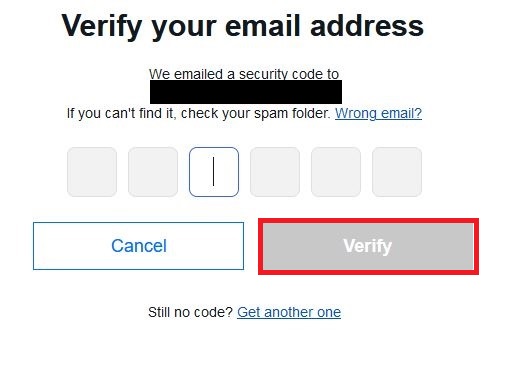
4. eBay will send a 6 digit to your email and ask you to confirm. Fill this in.
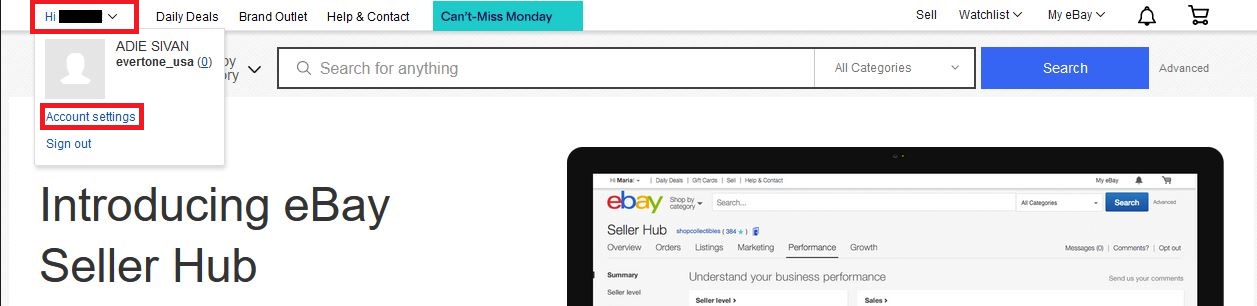
5. Takes you to eBay home-screen
6. Click on the top left dropdown, and click on Account Settings
7. Takes you to the My eBay viewpoint. Click the Account tab

8. Click on Personal Information
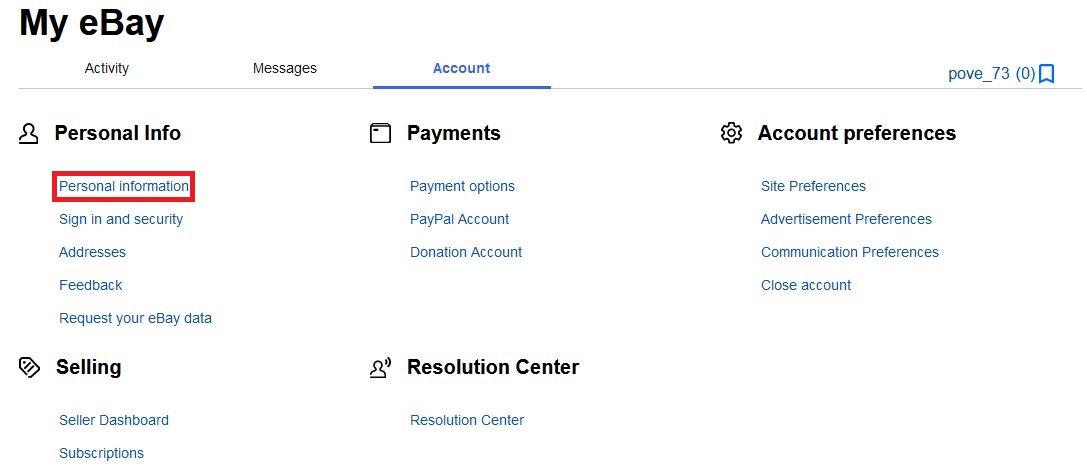
9. Asks you to fill in Primary Contact Address and Primary Contact Number. Fill this out and click Continue
10. Takes you back to Account tab of My eBay viewpoint. Click on Addresses
a. Click Edit for each of the fields highlighted, and fill in any missing information

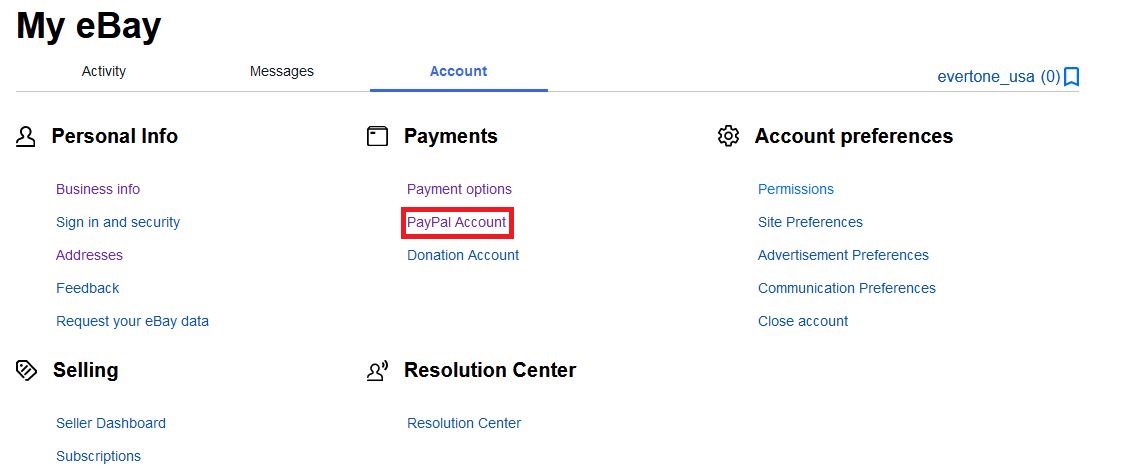
11. Once the above step is complete, back under the Account tab click on PayPal Account and follow the steps to link your existing PayPal Account or to create a new one. eBay requires a linked PayPal account in order to create listings and sell products.
12. With this, your eBay store is now initially setup and you're ready start selling. For the next steps on linking the eBay store to Quipt, see eBay Onboarding and Sync Guide article
Comments
0 comments
Please sign in to leave a comment.