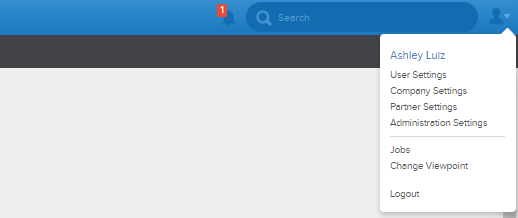
To get to the Orders section of the Business Rules page, you need to go to the upper right hand corner of the app and click the 'Company Settings' button. Then once that page loads, click the Orders button found below the business rules section.

Once the orders page loads, you should see a page very similar to the one below:
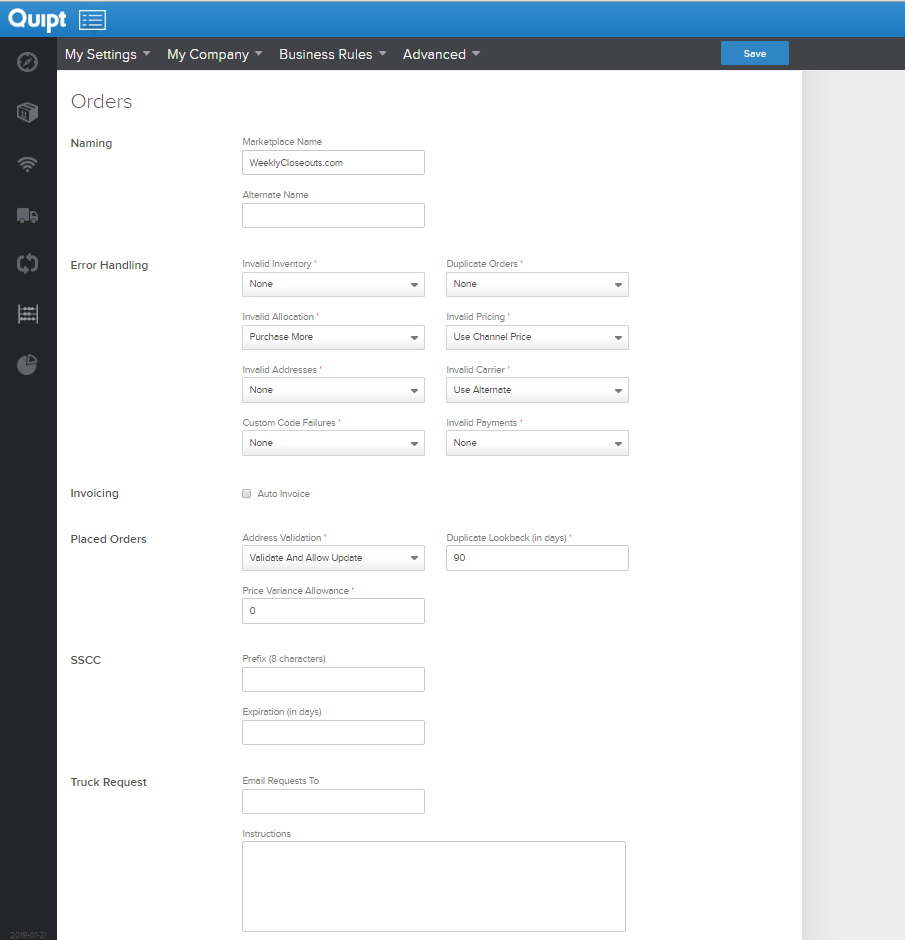
The orders section of the business tab gives you the opportunity to create rules for what to do when there are issues with orders. You can also name/re-name your marketplace in this tab.
Comments
0 comments
Please sign in to leave a comment.