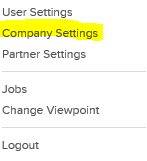
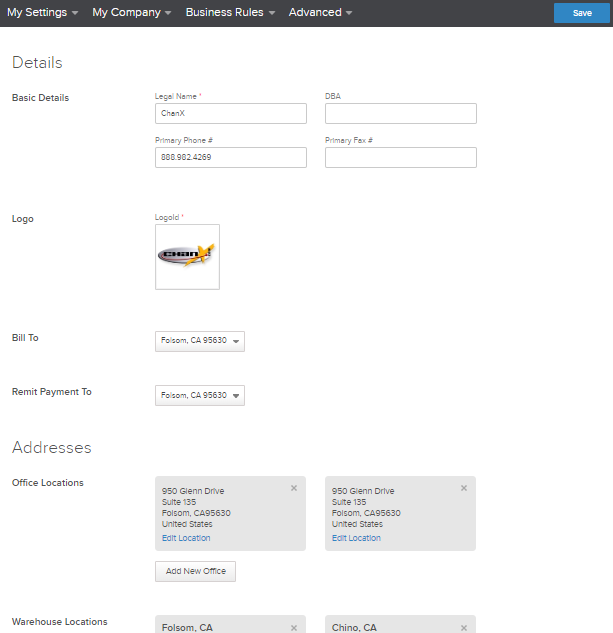
Within the ‘Company Settings’ tab in Quipt, you have the ability to change your company’s basic details, name, logo, office locations, warehouse locations, and contacts. To get there, find the user icon in the upper right-hand corner of the app and click the drop-down menu. Find the 'Company Settings' button.

Below is an example of what the Company Settings page might look like for you:
See the article on 'Adding A Warehouse' for more specific information on adding/editing warehouse locations.
Comments
0 comments
Please sign in to leave a comment.