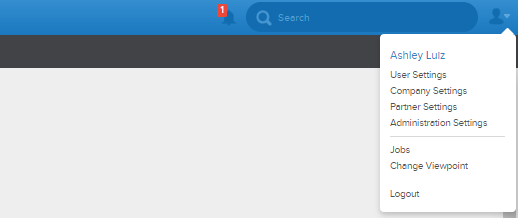
To get to the Feeds section of the Business Rules page, first go to the upper right hand corner of the app and click the 'Company Settings' button. Once the company settings page loads, click the business rules button, and find the 'Feeds' button.

Once in the Feeds section, you will find a page that looks very similar to the one below.
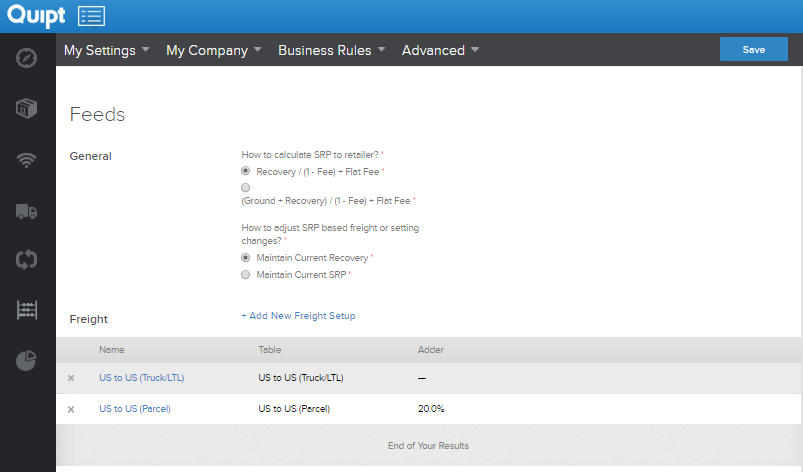
The feeds section of the business rules tab gives you options for how you want to calculate the SRP in Quipt based on freight and recovery, and also allows you to set up new Freight information.
As usual, if you make any changes, make sure to hit 'Save', otherwise your work will not be saved.
Comments
0 comments
Please sign in to leave a comment.