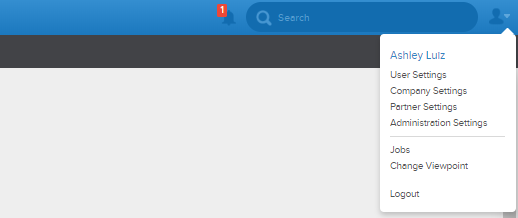
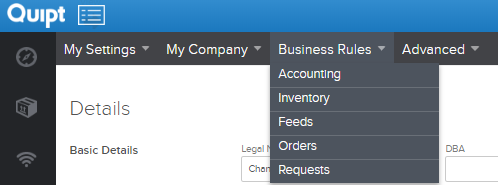
To get to the Inventory section of the Business Rules page, you first need to go to the 'Company Settings' tab. In the upper right hand corner of the app, find and click the 'Company Settings' button. Then when the page loads, find and click the 'Business Rules' button, and then click the 'Inventory' button.
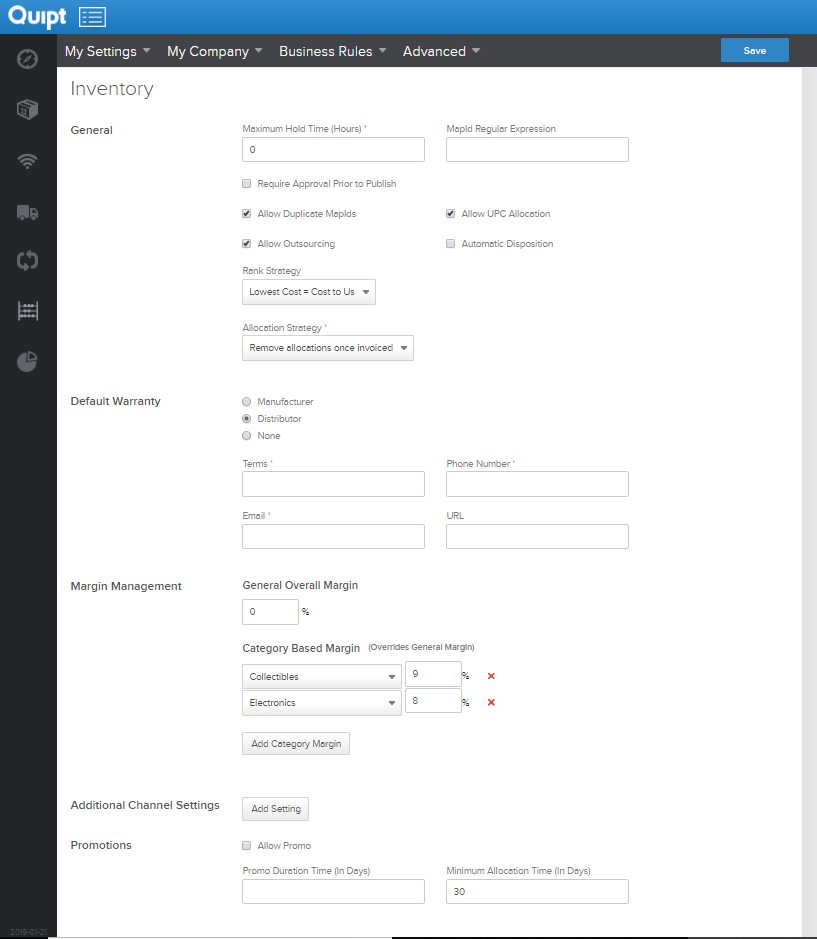
This will bring you to a page that looks like the one below. From this page, you can make many different customizations based on the checkboxes and dropdown menus seen below.
You can edit default warranty information, margin settings, as well as promo information from this page.
Comments
0 comments
Please sign in to leave a comment.