
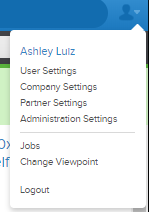

To see your business rules, go to the user icon in the upper right-hand corner of the app, then click 'Company Settings'. From there, click on the 'Business Rules' header on the top of the screen. As you scroll down the page, you will see different section headers. Look for the 'Inventory' header. Within this section, you will find the Margin Management section, which gives you access to all margin information for your company.
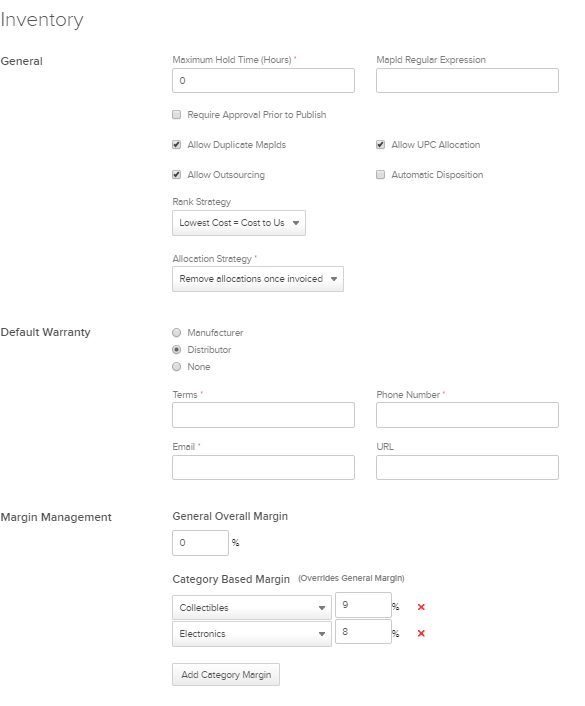
The margin area of the business rules tab gives you the ability to set margins based on whatever categories you want in Quipt. These margins define the rates at which Quipt will calculate SRP within the app for the categories you have set, so that you are able to accurately predict cost for items.
As always, if you need to make any changes, make sure to hit save before leaving the screen, otherwise your changes wont be reflected!
Comments
0 comments
Please sign in to leave a comment.