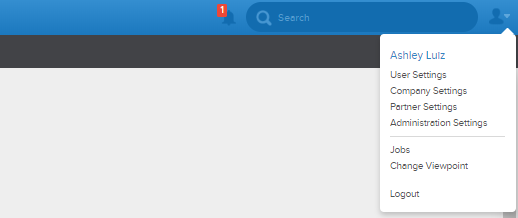
To get to the Requests section of the Business Rules page, you need to go to the upper right hand corner of the app and find the 'Company Settings' button. Once you're in the company settings page, find and click the 'Requests' button, which is located under the Business Rules tab.

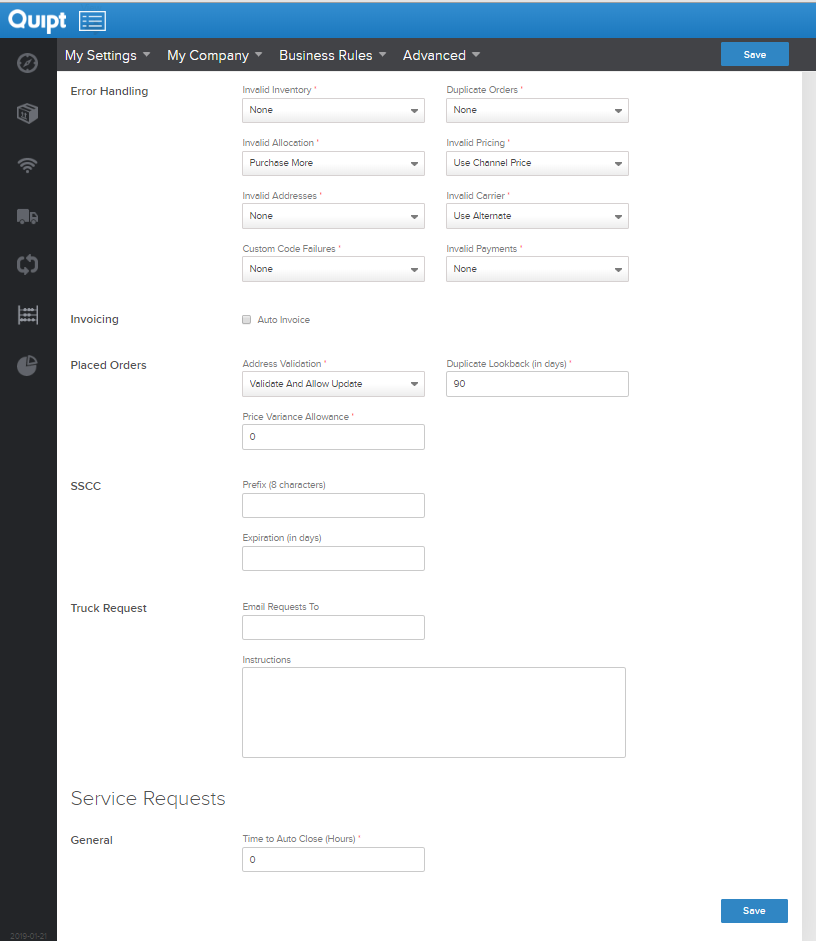
Once you click the 'Requests' button, you should see a page very similar to the one below.
The service requests section of the business rules page allows you to define the amount of time you want to pass before service requests are auto closed, in hours.
As usual, if you change anything, make sure to hit save.
Comments
0 comments
Please sign in to leave a comment.