Quipt's freight calculator uses your carrier account information, package weight, and box dimensions to provide an estimated cost associated with the service level selected within your partner policies. To administer your freight calculator;
Disclaimer - Enabling the freight calculator is directly tied to your catalog recovery and SRP - Please ensure you the proper settings administered before proceeding
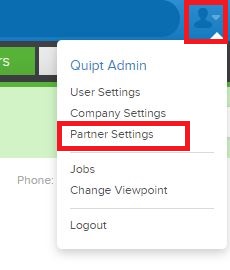
- Open partner settings
- Open which channel you wish to manipulate
- Select "Edit Channel"
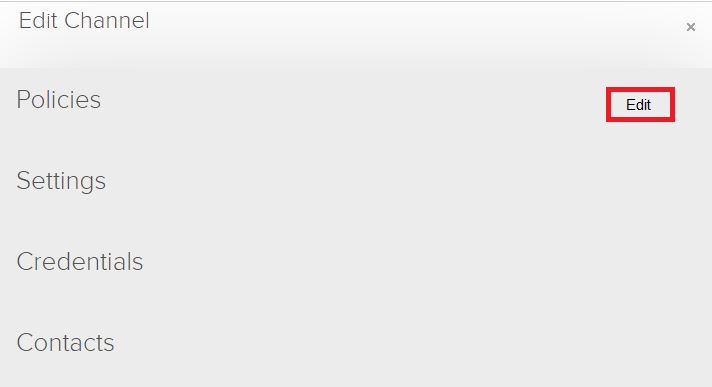
- Edit Policies
- In the Order's section, locate "
- By selecting "Yes" you will build in the estimated cost in your SRP or lower the SRP based on your company settings.
By selecting "No" your SRP will not show the estimated cost of shipping.
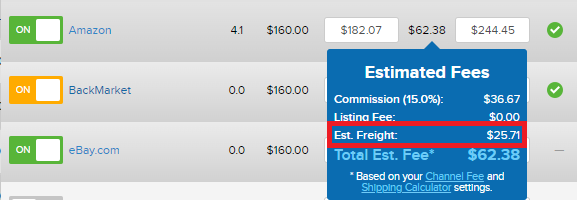
Note - This is a Fee Calculator. You need to ensure your shipping settings and polices in the channel portal are also set properly to align with this Quipt setting. - You will be able to verify if these settings are taking effect by checking an item's "fees" in the inventory feed.
Comments
0 comments
Please sign in to leave a comment.