In each channel's partner settings you can adjust how each order is invoiced or is shown in a ERP system.
Navigation
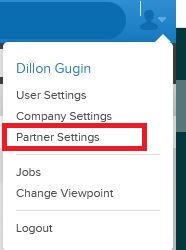
Open your Partner Settings from the top right menu
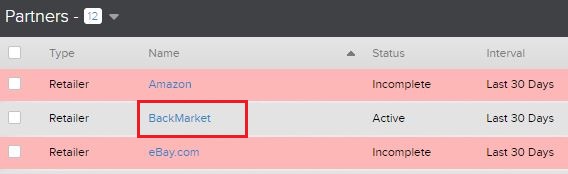
Click on which active partner you'd like to edit
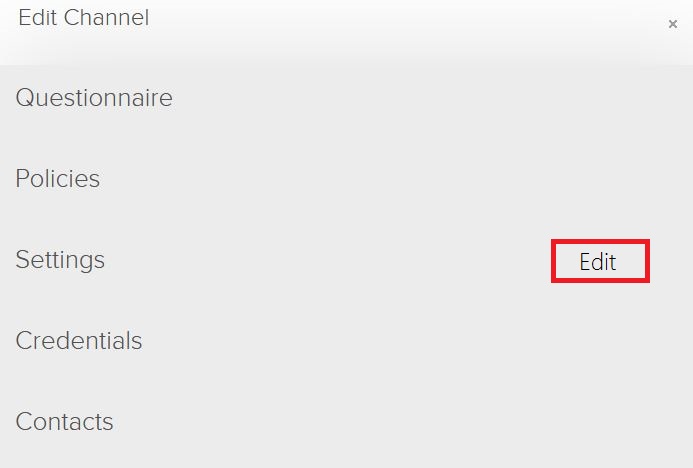
Edit your Settings
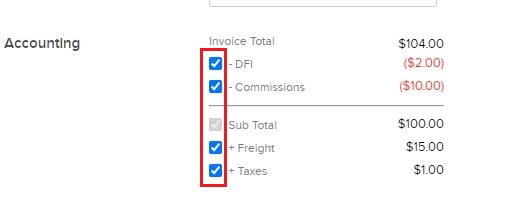
Scroll down to the Accounting section and adjust your settings by clicking the checkboxes that apply to your preferred invoice.
Repeat these steps with all channels you wish to see a non-default invoice format.
Comments
0 comments
Please sign in to leave a comment.