When selling on different channels or setting up relationships with various partners, you can distinguish these partners by assigning a "Partner Reference" in your partner settings.
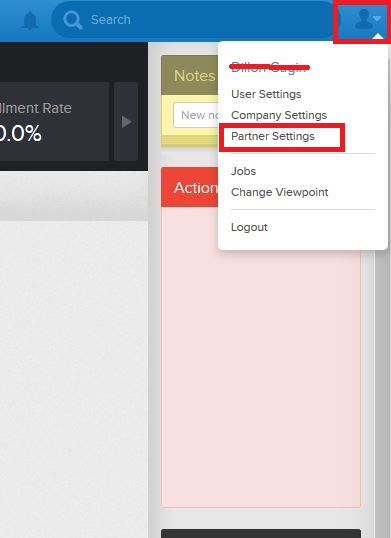
Navigate to the Partner Settings.
This section shows you a list of all partners you are connected with. 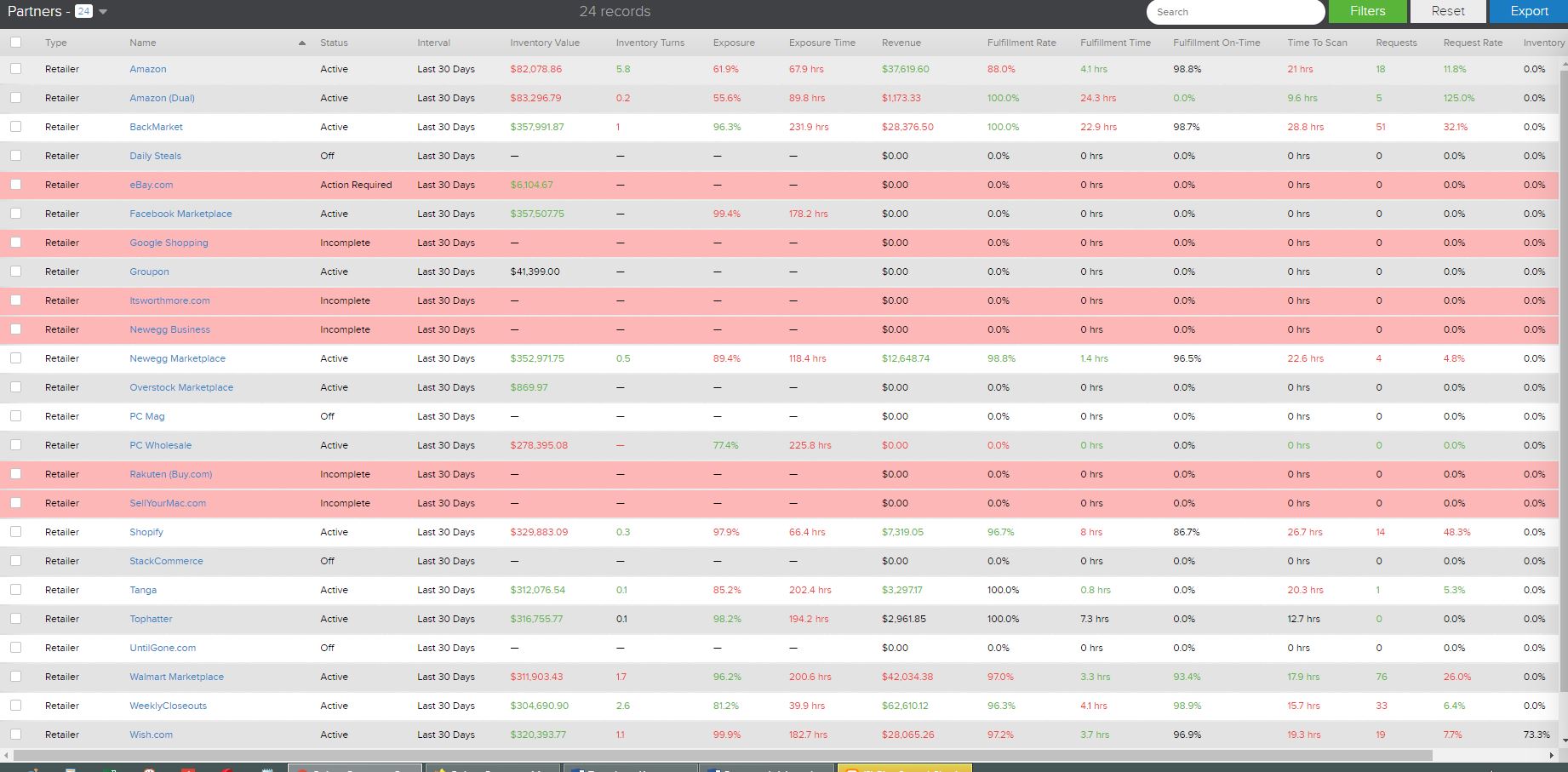
Select the partner you wish to add a reference code by clicking the name of the partner.
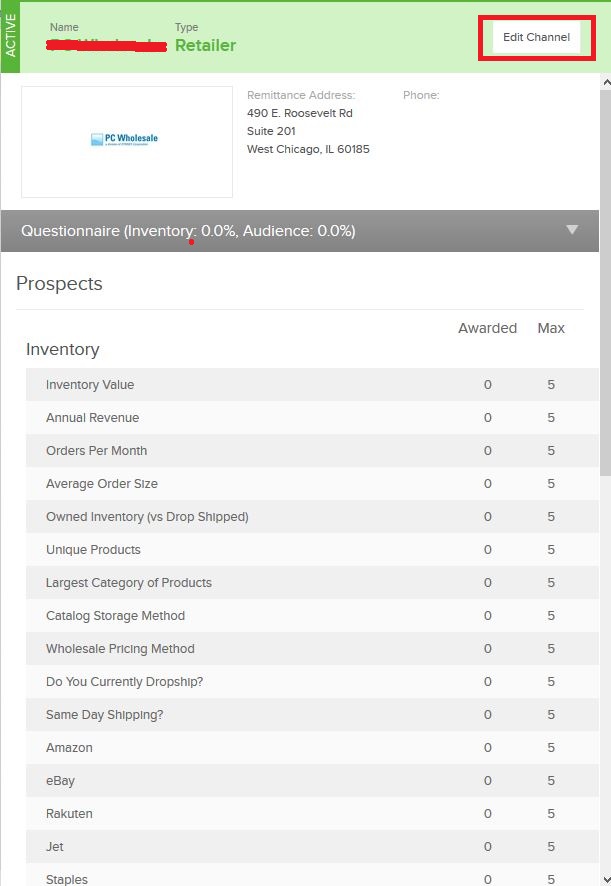
The drawer will open. Select "Edit Channel"
Edit the settings.
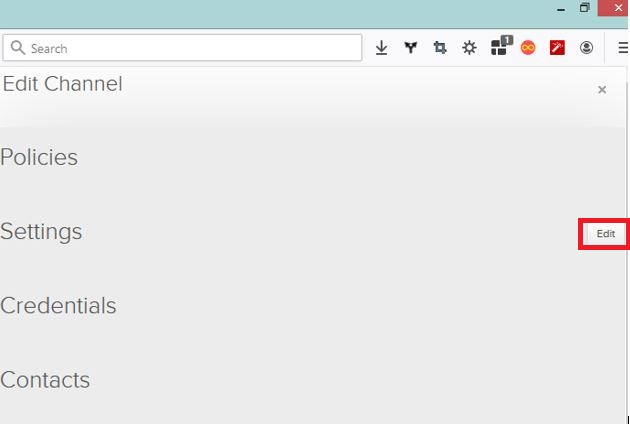
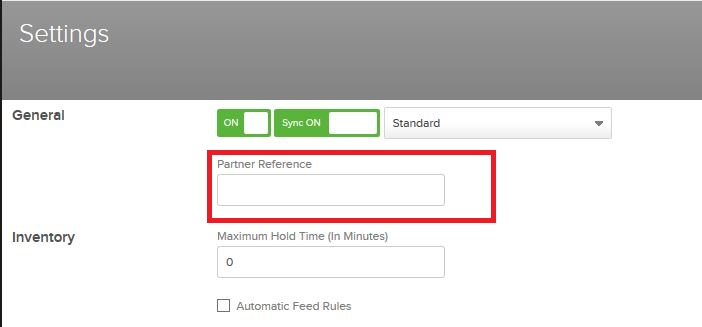
Use the "Partner Reference" box to enter the code you wish to have sent in your order files to distinguish this channel from others.
Comments
0 comments
Please sign in to leave a comment.