Customer information in Quickbooks
Navigate to Sales > Customers > *Select a customer*
This example is for Newegg.com:
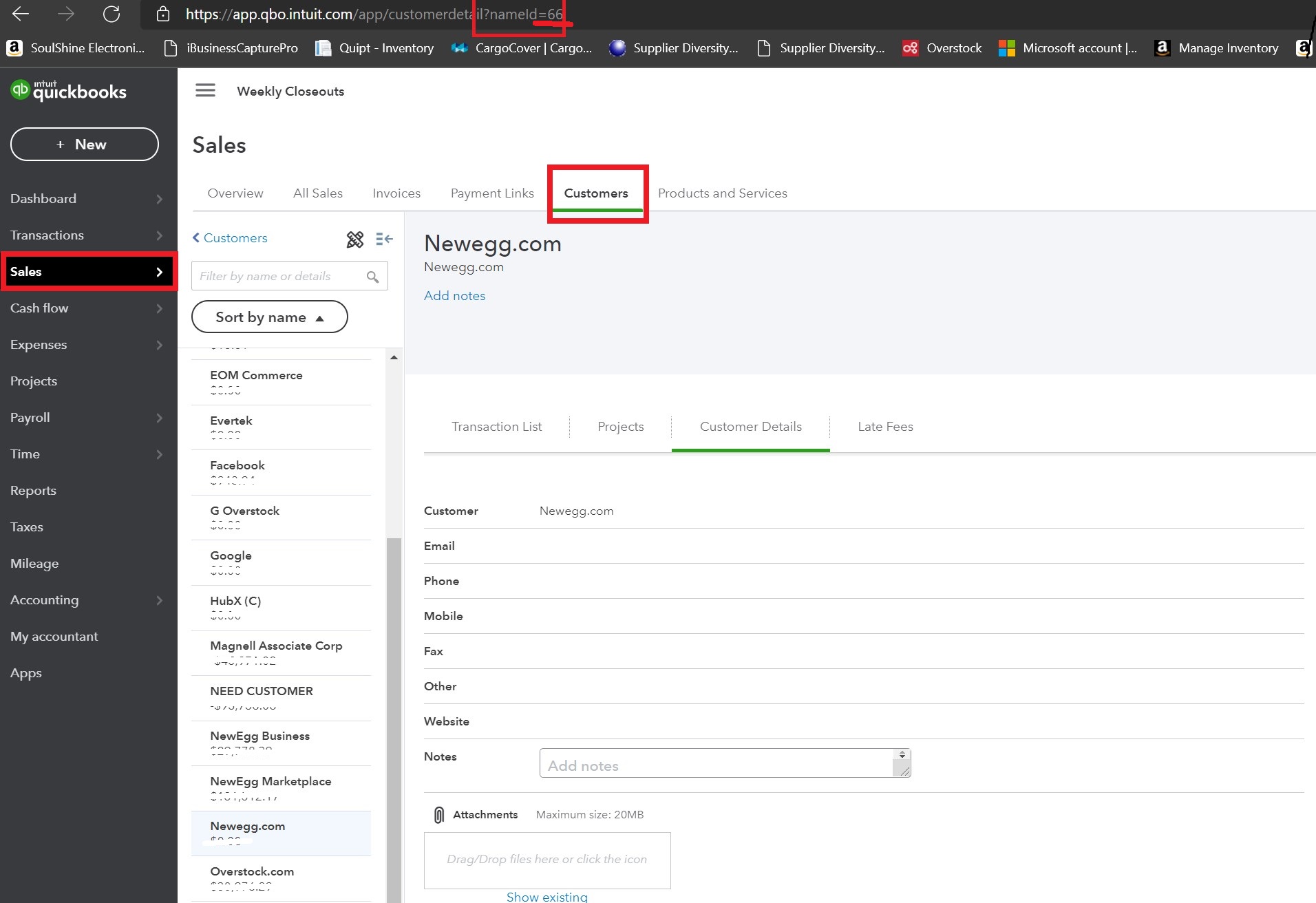
Locate the partner reference number within the URL of this page. "nameid=X"
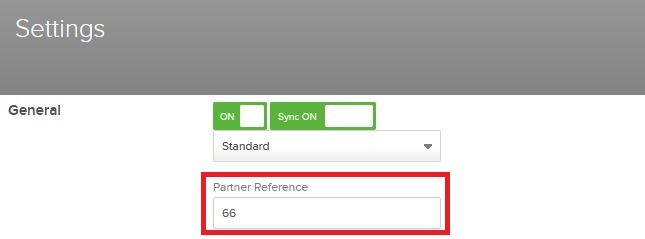
X=partner reference number (ex. 66)

Quipt Partner Settings
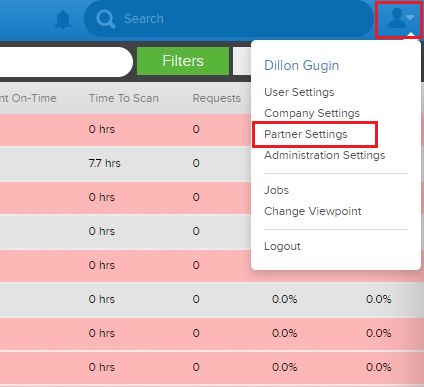
Navigate to Partner Settings
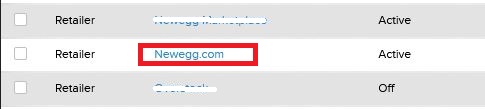
Open the Partner/Channel you'd like to sync
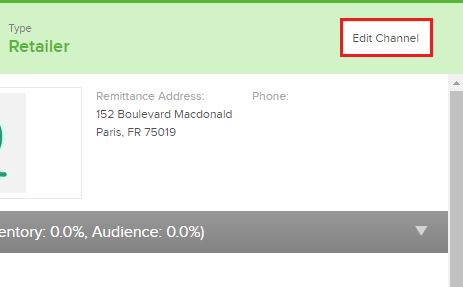
Select Edit Channel
Edit the partner settings
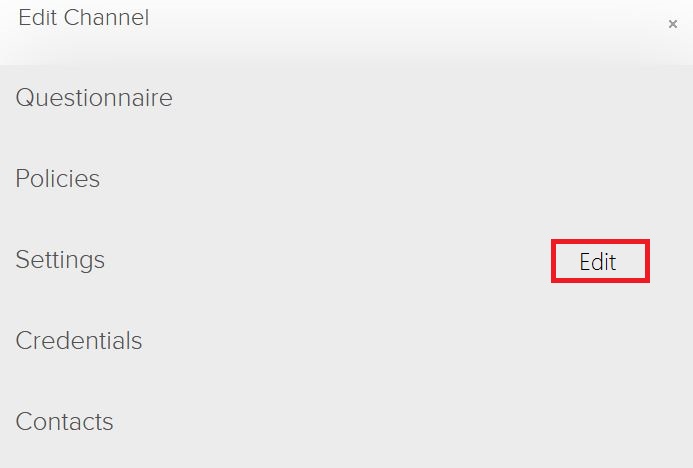
Enter the Reference code in the "Partner Reference" box.
Note*
Getting familiar with general Partner Settings & Policies will help your understanding about how your relationships are managed by Quipt.
Comments
0 comments
Please sign in to leave a comment.