Once you are in the accounting tab in Quipt, the screen will auto-populate the accounts payable information.
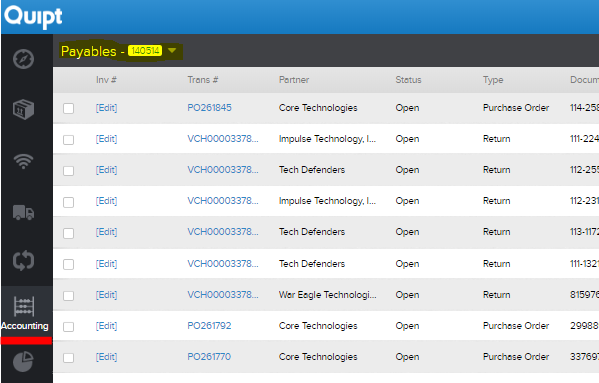
This screen will contain all information about payables. You can filter the results by partner, status, and type, as well as other things, using the 'Filter' box in the upper right hand side of the screen.
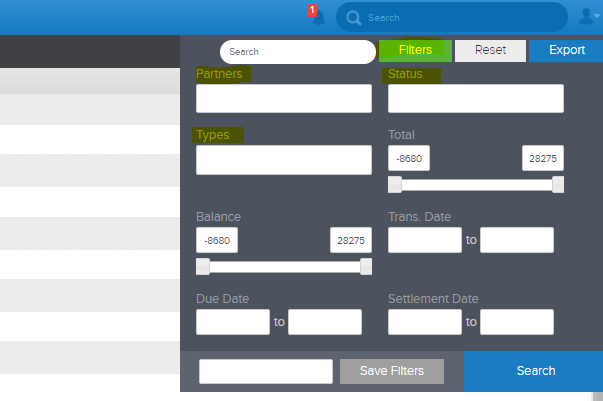
You can use the filters to find specific orders, and from there, you can create invoices. For more information on creating invoices, see the 'Entering an Invoice' article.
Comments
0 comments
Please sign in to leave a comment.