New brand/manufacturer values in Quipt are constantly being entered by end users. When users build out content, the attributes 'Brand' and 'Manufacturer' give end users the option of selecting from an existing value, or entering a new custom value. This often can result in duplicate brand values getting added to the Quipt database, and so we have a tool for managing these
Index:
Navigation
Use top right dropdown
Select Administration Settings

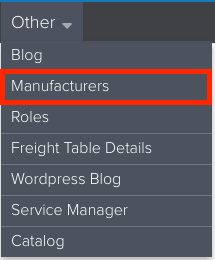
Click on Other > select and click Manufacturers in the dropdown
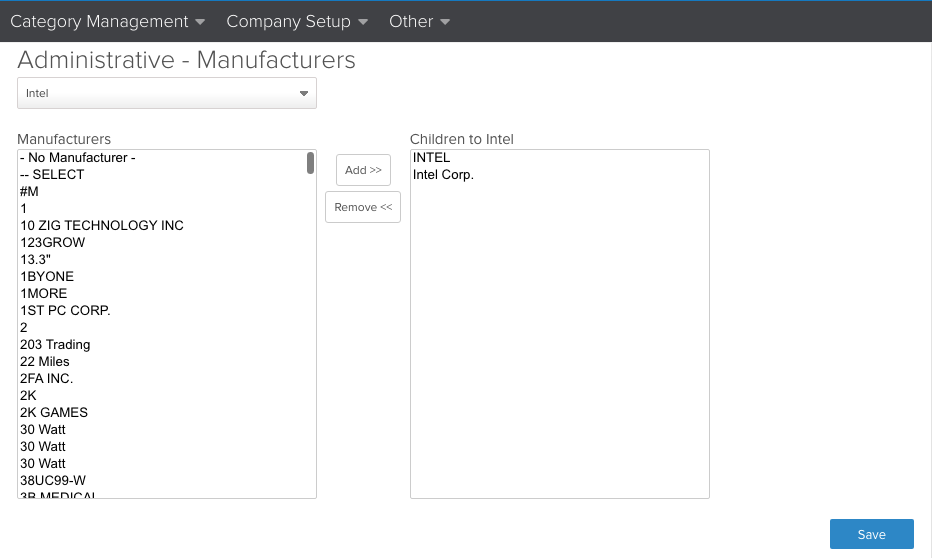
This will take you to the following Administrative screen
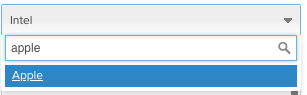
Using the dropdown, you can search for a brand, e.g. Apple
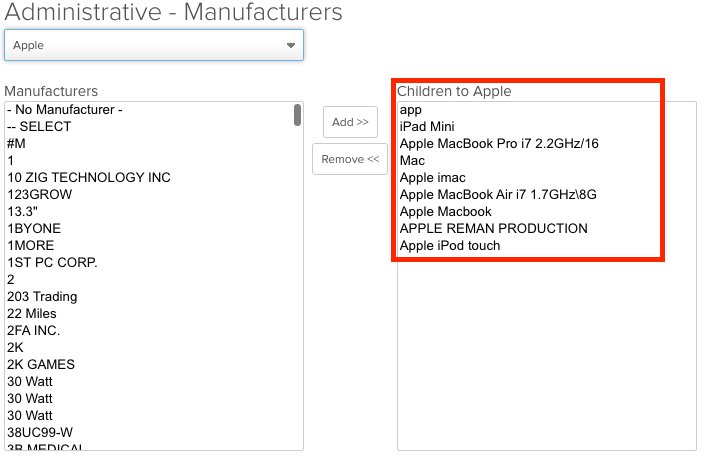
Selecting this displays all the duplicate or similar brands that are merged as 'Children' underneath 'Apple' as the 'Parent' brand name
Adding 'child' values to a brand
To add more 'child' values under the 'Apple' brand, use the left column 'Manufacturers', and select any similar or duplicate brand you want to add as a child to 'Apple'
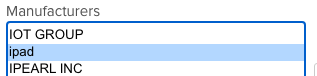
Click the 'Add' button

This will move 'ipad' in this example under the 'Children to Apple' column, and display a 'Summary' popup that 'ipad' is being added under 'Apple'
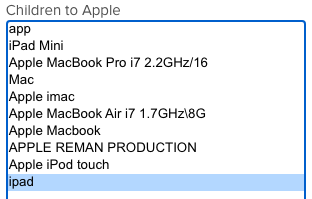
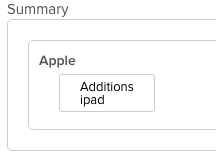
Hit the 'Save' button, and you're changes will be saved

Now going forward, anytime someone builds a product and puts 'ipad' as the brand, the brand will instead automatically display 'Apple' instead. Any existing items built with 'ipad' as the brand will also update in the catalog after some time
Separating 'child' values from a brand
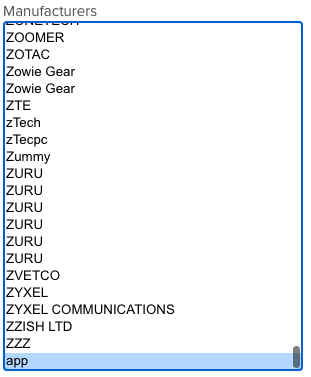
To separate a 'child' values that is already merged under the 'Apple' brand, use the right column 'Children to Apple', and select any brand you want to separate from 'Apple' into its own unique 'Parent' value
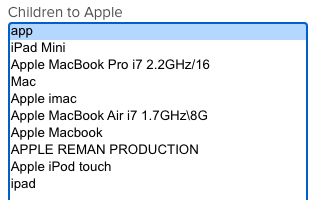
Click the 'Remove' button

This will move 'app' in this example under the 'Manufacturers' column as its own 'Parent' value, and display a 'Summary' popup that 'app' is being added under 'Apple'
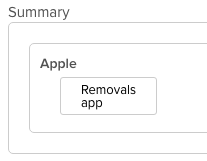
Hit the 'Save' button, and you're changes will be saved
Now going forward, anytime someone builds a product and puts 'app' as the brand, the brand will remain as 'app' instead of automatically getting changed to 'Apple' instead
Comments
0 comments
Please sign in to leave a comment.